
English
Views: 0 Author: Site Editor Publish Time: 2025-09-11 Origin: Site


If you know the difference between layer 1, layer 2, and layer 3, you can make your factory work better:
Layer 1 controls data and equipment in real time.
Layer 2 watches and improves many layer 1 devices.
Layer 3 links work to business systems for tracking and quality. Sanli’s Push-Button-Switch and Selector-Switch make machines easier to use and help your network stay strong.
L1 switches move signals right away without changing them. They do not process data packets. These switches are good for fast and exact links.
L2 switches handle data by looking at MAC addresses. They help keep networks safe and work better. VLANs let you split up devices on the network.
L3 switches send data using IP addresses. They help different networks talk to each other. These switches have more features for bigger and safer networks.
Pick the right switch for your factory’s needs. Think about speed, safety, and if your network will grow. Check what you need before you choose.
Sanli’s Push-Button-Switch and Selector-Switch work with all switch types. They make it easy to control and set up automation systems.
L1 switches connect devices at layer 1. They work at the physical layer. They do not read or change data packets. Signals move from one port to another right away. Every signal travels fast and stays accurate. You get a direct link, like using a cable. Layer 1 switches help you set up test systems quickly. You can change connections with software commands. This makes your work faster and easier.
Here is a table that shows what a layer 1 switch does:
Characteristic | Description |
|---|---|
Operational Transparency | Does not read or change packet headers. |
Low Latency | Moves signals with almost no delay. |
No Packet Processing | Does not buffer or analyze traffic. |
Signal Replication | Can send the same signal to many places at once. |
Deterministic Performance | Every signal gets the same fixed delay. |
Layer 1 switches have many good features:
Ultra-low latency. Signals move in nanoseconds.
No packet processing. The switch does not hold or check traffic.
Signal replication. You can copy data to many devices.
Deterministic performance. Every signal has a fixed delay.
You can test cable breaks.
Diagnostics at each port help you check connections.
Mechanical switches keep connections if power goes out.
Layer 1 switches work with standards like Ethernet and Fibre Channel. You can use them for fast data moves and strong networks.
Factories need fast and reliable control. Layer 1 switches help you build panels that respond right away. Sanli’s Push-Button-Switch and Selector-Switch send commands through layer 1 links. These switches let you start or stop machines and change settings. They help keep your system safe. You can set up automatic or remote controls for your equipment. Layer 1 switches make sure every action happens in real time. You get strong performance and easy setup for your factory. Sanli’s products work well with layer 1 switches and give you simple control in your automation systems.
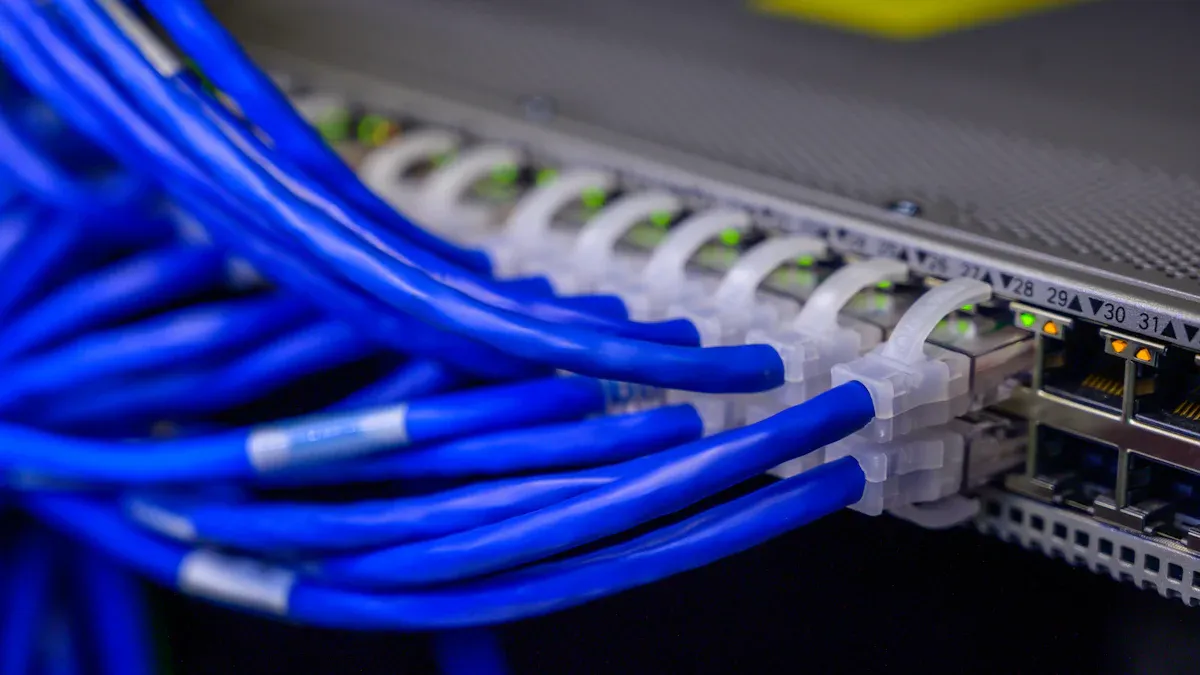
L2 switches help control data at the data link layer. They read MAC addresses to know where to send data. L2 switches keep a MAC address table. This table helps send data to the correct device. You get better traffic control than with layer 1 switches. L2 switches can split your network into smaller groups. You can use VLANs to keep devices apart. This setup makes your network safer and less crowded.
L2 switches work in a different way than layer 1 switches.
L1 switches only move signals and do not check data frames.
L2 switches look at MAC addresses and manage data frames.
L2 switches let you split your network, but layer 1 cannot.
L2 switches have many helpful features for your network:
They learn and forward MAC addresses.
They support VLANs to split your network.
They help manage bandwidth better.
They make your network safer by keeping traffic apart.
They lower collision domains compared to layer 1.
Here is a table that shows how L2 switches are different from layer 1:
Feature | Layer 1 Switch | L2 Switch |
|---|---|---|
Data Handling | No data frame control | MAC address-based |
Network Segmentation | Not possible | VLAN support |
Collision Domains | Single domain | Multiple domains |
Security | Basic | Enhanced with VLANs |
You see L2 switches in many factory and control systems. These switches connect machines, sensors, and controllers. You can use VLANs to keep production lines apart. This keeps your data safe and your network working well. Sanli’s Push-Button-Switch and Selector-Switch work with L2 switches. You can send control signals to the right place. You get quick and steady responses from your equipment. L2 switches help you build flexible and safe automation systems. You can move your factory from layer 1 to layer 2 for better control and efficiency.
L3 switches help control traffic at the network layer. They read IP addresses and send data between subnets. Layer 1 switches only move signals. L3 switches do routing jobs. You can link many VLANs and share data over big networks. L3 switches make fixing problems easier. They use names and IP addresses people can read. You get better broadcast domain isolation. This helps stop network issues. L3 switches make setup simple and cut down broadcast traffic. You can guide data flow and keep your network working well.
Here is a table that shows how L2 and L3 switches are different:
Feature | Layer 2 Switches | Layer 3 Switches |
|---|---|---|
Operating Layer | Data Link Layer (Layer 2) | Network Layer (Layer 3) |
Addressing Method | MAC addresses | IP addresses |
Inter-VLAN Routing | Needs external router | Built-in routing |
Routing Functions | None | Static and dynamic routing |
Broadcast Domain Isolation | Limited | Strong isolation |
Troubleshooting | MAC address only | Easier with IP names |
L3 switches have advanced features for automation. You get multicast, which sends data to many devices. These switches work with IPv4 and IPv6 networks. You can use access control lists for more security. L3 switches have DI and DO features. You can connect outside devices for control and monitoring. Many models follow strict rules like IEC 62443 and EN 50155. You can use fast ports for quick connections. These features help you build safe and strong networks for your factory.
Tip: L3 switches make your automation systems safer and more reliable. You can use them with many standards and connect devices with high speed.
You find L3 switches in big factories and automation networks. These switches link machines, controllers, and sensors. You can send data between production lines and business systems. L3 switches help control traffic and keep your network safe. You can use them in campuses, data centers, and fast production areas. Brands like Cisco, Juniper, and Ubiquiti make L3 switches for these jobs. Sanli’s products work well with L3 switches. You can use Push-Button-Switch and Selector-Switch for better control and monitoring. You get real-time data and strong performance. L3 switches let you grow your network and keep it running well. You can use layer 1, layer 2, and layer 3 switches together for the best automation setup.
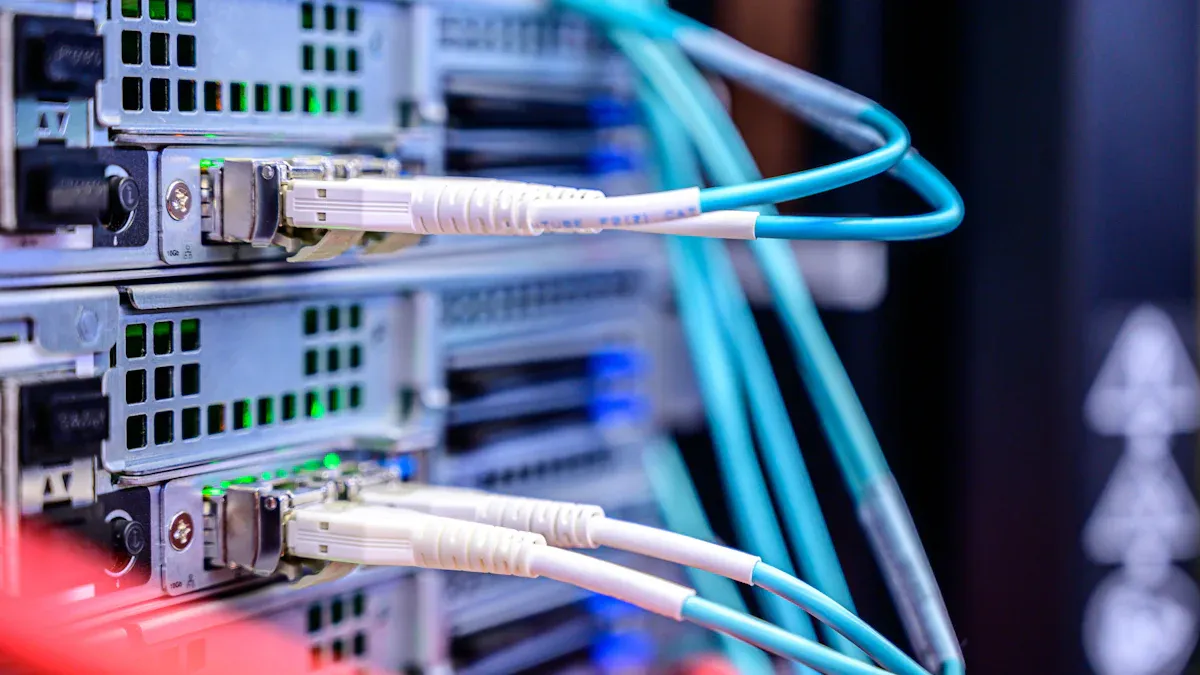
It is important to know how L1, L2, and L3 switches work. Each switch type handles data in its own way. L1 switches move signals at the physical layer. They do not check data packets. These switches give you the fastest speeds. There is almost no delay. L2 switches work at the data link layer. They read MAC addresses. They send data to the right device. L2 switches are fast, but not as fast as L1 switches. L3 switches work at the network layer. They read IP addresses. They route data between networks. L3 switches give you high speeds and can grow with your needs.
Here is a table that shows the main differences:
Switch Type | Layer | Data Rates | Latency | Scalability | Security | Routing |
|---|---|---|---|---|---|---|
L1 | Physical | Very High | Lowest | Limited | Basic | None |
L2 | Data Link | High | Higher | Limited | VLAN | None |
L3 | Network | High | Low | Best | ACL/QoS | Yes |
L3 switches use special hardware to move packets. This gives you low delay and high speed. Your automation system works smoothly. L2 switches have medium speed and more delay. L1 switches have the lowest delay and the fastest speeds. But you cannot route data with L1 switches.
Tip: Use L1 switches for the fastest speeds and lowest delay. Use L2 switches to manage devices and split your network. Use L3 switches to route data and grow your network.
Think about what you need before you pick a switch. Ask yourself these questions:
Do you need fast speeds for real-time control?
Do you want to split your network into groups?
Do you need to route data between networks?
Is security important for your system?
Will your network get bigger later?
If you want simple control and the fastest speeds, pick L1 switches. You can use Sanli’s Push-Button-Switch and Selector-Switch with L1 switches for quick actions. If you need to manage many devices and keep data safe, L2 switches help you use VLANs and control traffic. Sanli’s products work well with L2 switches in automation panels. If you need to connect many networks and want strong security, L3 switches are the best choice. You get access control lists and quality of service features. Sanli’s solutions work with L3 switches for big factories and advanced automation.
Here is a table to help you decide:
Criteria | L2 Switches | L3 Switches |
|---|---|---|
Cost | Lower | Higher |
Setup | Simple | Advanced |
Routing | Limited | Full |
Scalability | Limited | High |
Data Rates | High | High |
Security | VLAN | ACL/QoS |
Do not make common mistakes when setting up switches. Make sure you set up each switch the right way. Work with your IT team. Check if your switches can handle tough places. Clean and test your switches often. Look at cables and connections to make sure they work. Watch voltage and check for overheating. These steps help keep your network safe and working well.
Note: Use firewalls and secure remote access to protect your network. Watch out for malware and keep your firmware updated. Use backup systems so data keeps moving if something fails.
Sanli’s Push-Button-Switch and Selector-Switch work with all switch types. You get strong control and easy use. Pick the switch that fits your needs for speed, safety, and growth. You can build a safe and smart automation system for your factory.
You have learned that L1, L2, and L3 switches do different jobs in factories. L1 switches help you control things right away. L2 switches help you manage devices and use VLANs. L3 switches send data and help your network grow. If you use sanli’s Push-Button-Switch and Selector-Switch with the right switch, your factory works better and stays safe.
Consideration | Description |
|---|---|
Interoperability | Devices can work together. This helps you get better results. |
Deterministic Communication | Actions happen fast with little delay. This is important for automation. |
Think about what your factory needs. Check out sanli’s products to get the best setup.
Switch Type | Main Job |
|---|---|
L1 | Moves signals |
L2 | Sends data by MAC |
L3 | Routes by IP |
You choose the switch based on how you want to control your network.
Yes, you can use sanli’s Push-Button-Switch with L1, L2, and L3 switches. You get fast control and easy setup in any automation system.
Factories use different switch layers to control machines, keep data safe, and grow networks. You pick the layer that matches your needs for speed, safety, and size.
VLANs split your network into smaller groups. You keep machines and data safe. You control who talks to whom. You get better security and less traffic.
You visit sanli’s official website for details, product specs, and support. You find guides and contact options for help.